Managing Warranty Tickets in DigsCare™ (Builder Guide)
Written By JSB (Jason Brown)
Last updated Over 1 year ago
Managing Warranty Tickets in DigsCare™ (Builder Guide)
DigsCare™ gives your team a central, streamlined way to manage homeowner warranty requests — from submission to resolution. Whether it’s a quick fix or something scheduled for a future visit, DigsCare helps you stay organized, responsive, and professional, all while keeping your homeowners in the loop.
How It Works
Once a project is handed off and the homeowner activates their Digs account, they can begin submitting warranty requests through their own portal. Each ticket automatically appears in your project’s Warranty tab, where your team can sort, track, and respond across all active projects in their warranty phase.
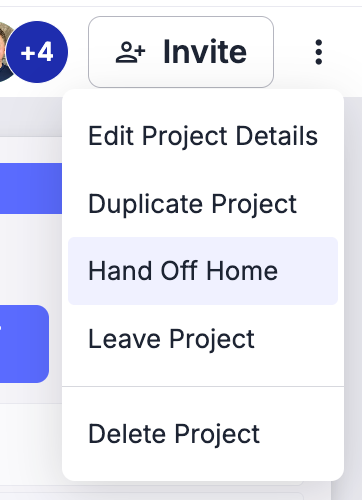
Only members of your designated Warranty Team can access and manage warranty tickets. This role-based visibility protects homeowner privacy, especially now that they're living in the home. It also keeps the builder's core team focused by removing distractions related to post-handoff follow-up work. Unless a warranty request requires clarification or a scope change, the original build team won’t see it.
To manage access:
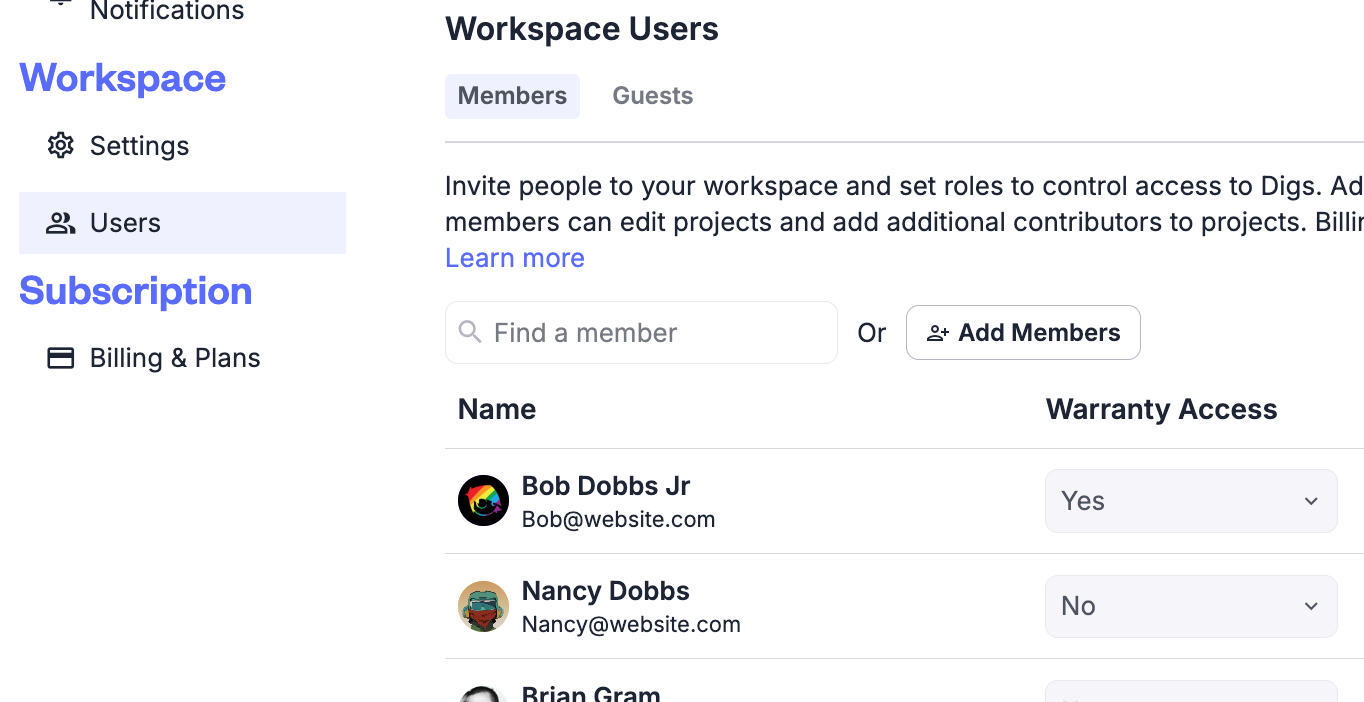
Go to Manage Workspace in your account settings
Click Users, then use the new Warranty User option to designate team members
If someone isn’t showing up in this list, you’ll need to invite them to your workspace first
Warranty users can only see the projects they’ve been explicitly invited to.
Key Tools and Best Practices
1. Viewing and Sorting Tickets
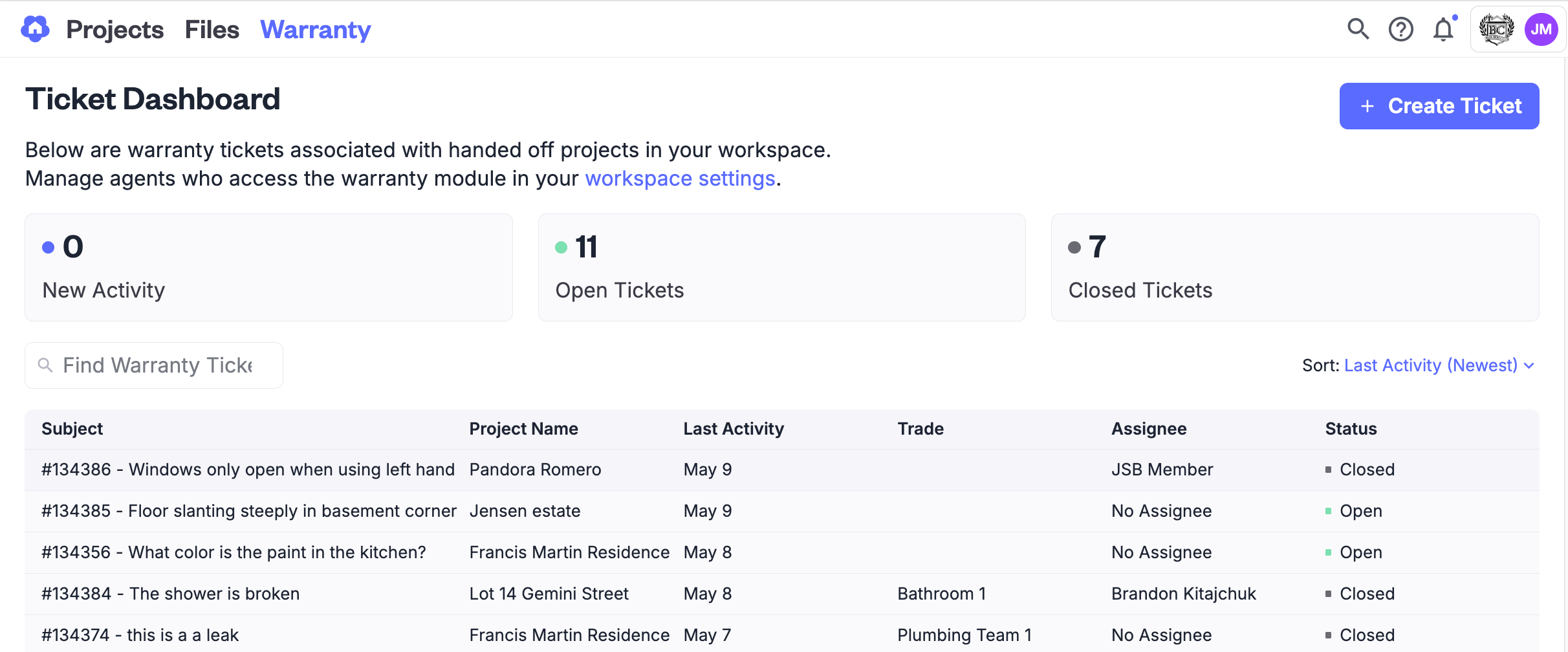
Head to the Warranty tab in any project to see all associated tickets. You can filter by ticket status (Open, In Progress, Resolved), last updated date, or urgency to help your team focus where it matters.
The default sort order is Newest, so fresh or recently updated tickets are always easy to find. This is especially useful when you have a large volume of requests coming in.
2. Responding to a Ticket
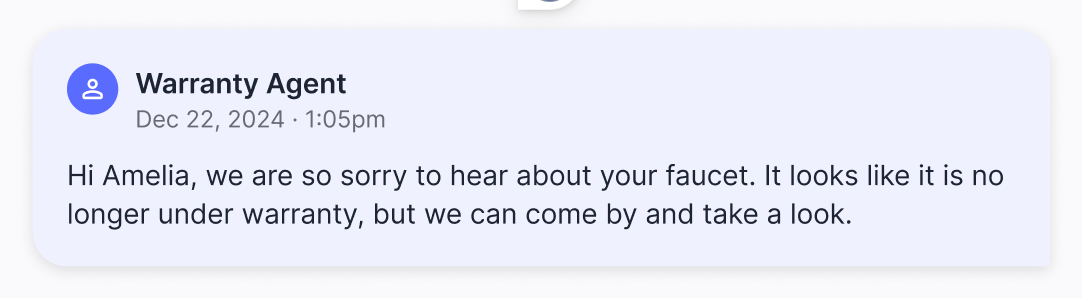
Make sure to assign each ticket to a team member so it's clear who's responsible. Inside the ticket, you can add comments, request more information, or upload supporting photos and documents.
Keep statuses up to date (e.g., "In Progress," "Resolved") to maintain visibility for both your internal team and the homeowner. Clear communication prevents misunderstandings and helps move things forward.
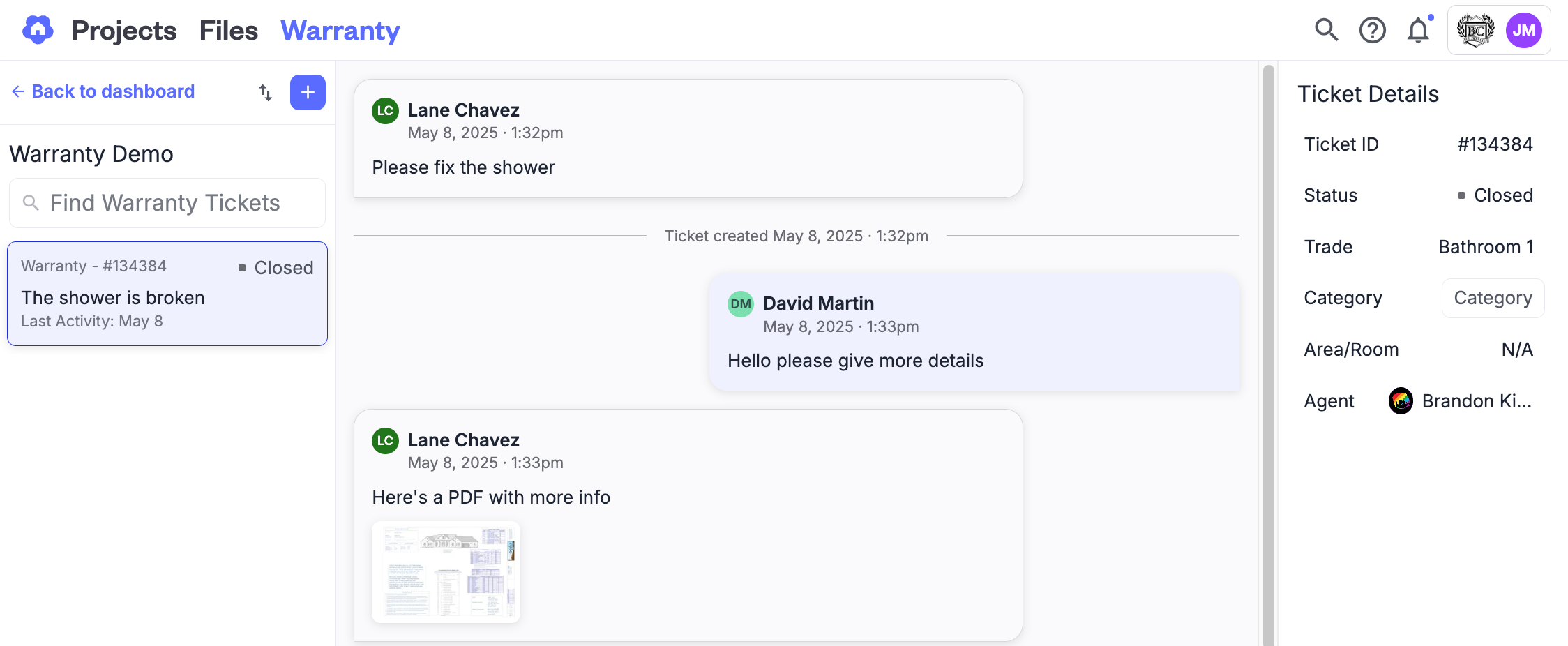
💡 Pro Tip: Homeowners will only see responders as "Warranty Team Member." If you'd like them to know who they’re working with, feel free to add a quick intro in your message.
3. Creating Tickets on Behalf of the Homeowner
Not all warranty issues come through the portal. If a homeowner calls, emails, or mentions something during a visit, your team can create a ticket for them.
This ensures every issue is logged and tracked properly, even if it didn’t originate in Digs. It's especially helpful for documenting urgent matters or preparing for scheduled service visits.
4. Attachments Are Permanent
Once a photo or document is uploaded to a ticket, it becomes part of the permanent record. At this time, attachments cannot be removed.
Be sure to check what you’re uploading before finalizing. Avoid adding any internal files or materials that shouldn’t be visible long-term.

Keeping Everyone Informed
DigsCare helps both sides stay in sync. Homeowners receive email notifications any time there’s a ticket update or new comment. On your side, team members are notified via the in-app Notification Center and can also view recent activity from the project dashboard.
This ensures that even if someone steps away for a day, they can pick things right back up with full visibility into what’s changed.
Managing Expectations
If your team follows a structured process for warranty work (like 30-day and 11-month walkthroughs), consider communicating that clearly with your homeowners. It helps set expectations and reduces the chance of misalignment.
You can log incoming tickets as they happen, or group them based on visit schedules. DigsCare supports both approaches, so you can work the way that fits your team's style best.
DigsCare™ helps your team manage homeowner warranty requests from start to finish. Whether it’s a quick fix or something for a future visit, DigsCare keeps things organized and visible to the right people.
Need help setting up DigsCare for your team? We’re here to support you!