What is DigsCare™?
Written By JSB (Jason Brown)
Last updated About 1 year ago
DigsCare™ is a warranty ticketing tool built to support builders after the home is handed off. It helps your team stay organized, responsive, and professional when warranty issues come up — no more tracking tickets across emails, spreadsheets, or sticky notes.
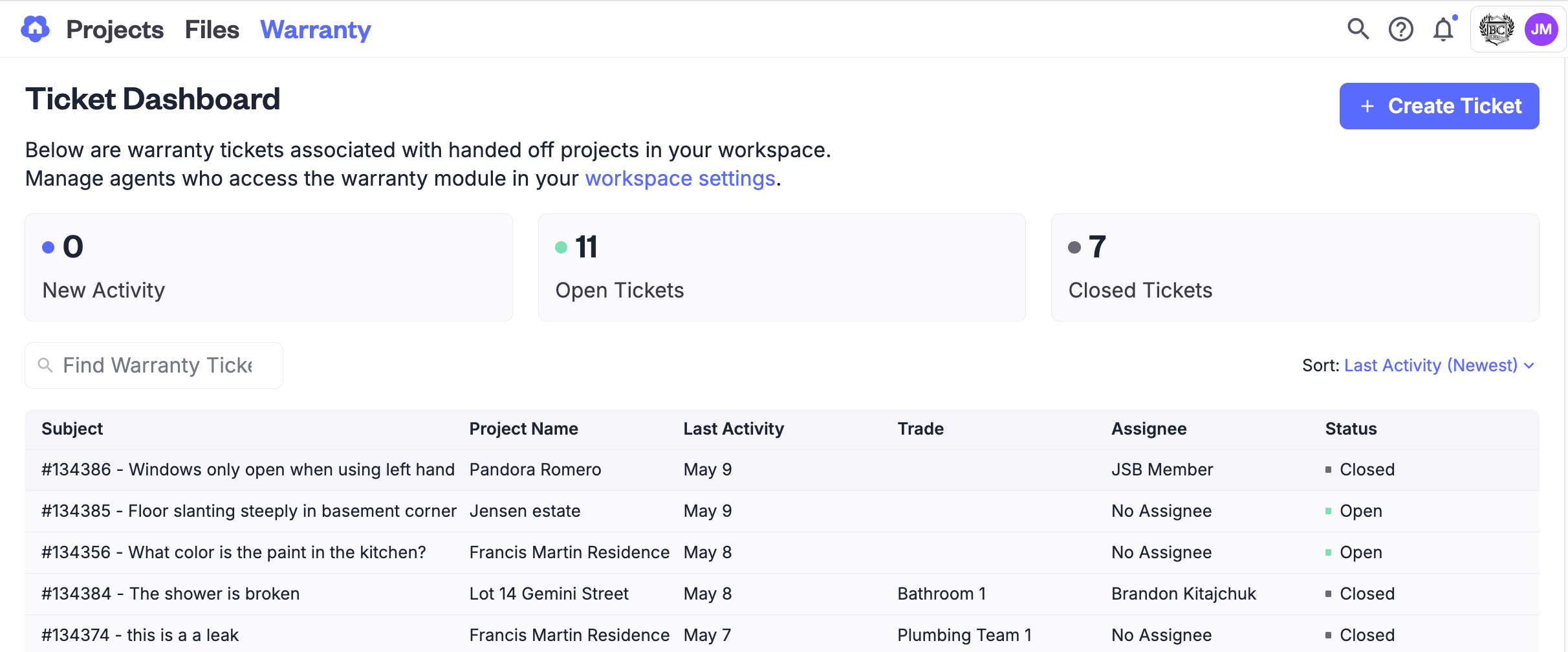
Once the build is complete and the homeowner receives their Digs account via Homeowner Handoff, they can submit warranty requests directly through a secure, branded portal. Every request flows into a single dashboard inside your Digs project, where your team can sort, comment, assign, and close out tickets with ease.
While the tickets may be shared, access to the projects is not. The homeowner has a distinct account where they can upload and manage private data. Likewise, your original build project is also secure and available for reference during warranty and beyond.
Built for Builders
The first release of DigsCare™ focuses on making warranty management simple and effective for your team. The most important functionality is built to help centralize your team, documentation, and processes into a single portal:
Streamlined Submissions
Homeowners no longer need to call or email. They can submit warranty issues through a straightforward online form in their personal Digs account.
Your team can also add tickets on behalf of the homeowner, retroactively logging items that may have come in through other channels. This ensures nothing slips through the cracks.
If your team follows a consistent list of warranty tasks or milestones, you can pre-fill those directly into the customer's ticket list and manage them as part of the warranty process.
Centralized Dashboard
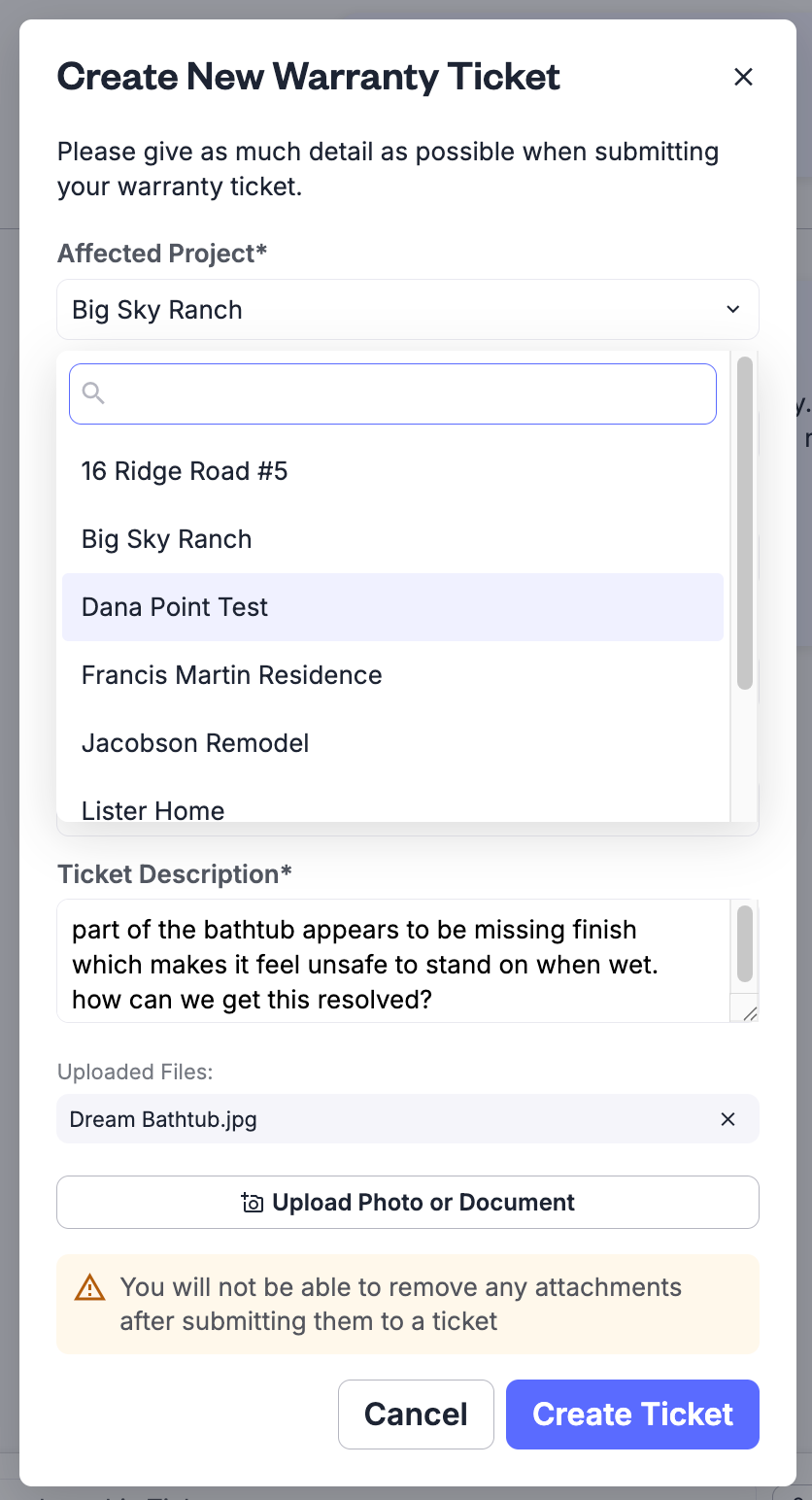
Your entire team can view, track, and manage all warranty requests from one place inside Digs.
When sorted by "Newest," brand-new tickets and recently updated items always appear at the top.
You can search by keywords or project names to quickly locate tickets by name or grouping.
Live Status Updates
Assign a team member to a ticket so everyone knows who’s responsible.
As tickets progress, Digs keeps your team and the homeowner informed with status updates via the in-app Notification Center.
We know warranty teams live in the tool — homeowners don’t. That’s why DigsCare™ also sends email notifications to homeowners when their tickets are updated, prompting them to log in if needed.
Suggested Documents
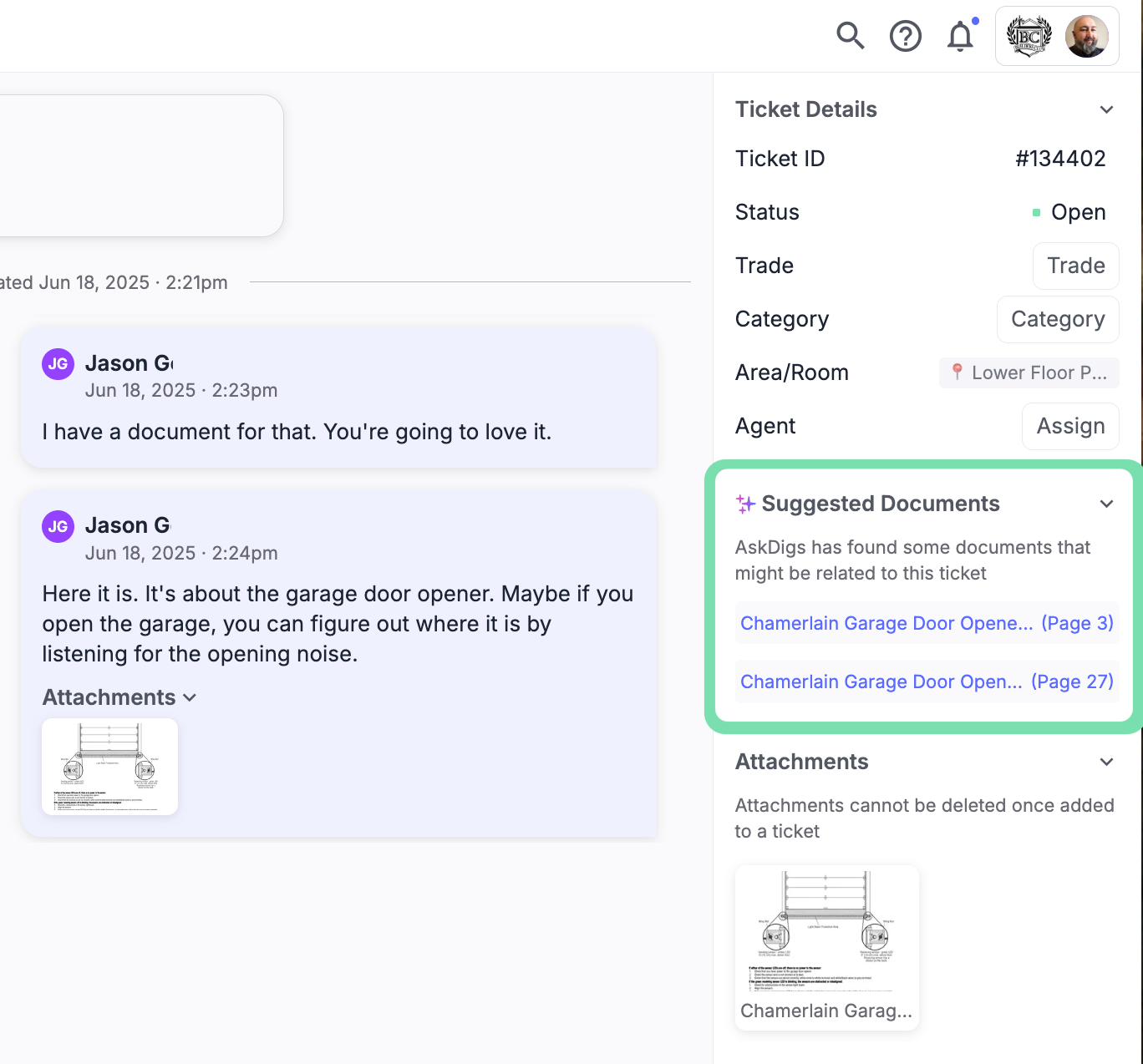
Suggested Documents is a smart feature inside DigsCare™ that automatically recommends helpful documents based on the content of a warranty ticket — including location, keywords, and historical project data. Both Builders and Homeowners benefit from faster responses and clearer communication, with relevant files like manuals, product guides, or inspection photos surfaced in real time. It’s a simple way to save time, improve accuracy, and reduce back-and-forth during the warranty process.
Photos, Comments & Activity Logs
Homeowner privacy and professionalism matter. To maintain clarity and consistency, homeowners will only see responses marked as coming from a “Warranty Team Member.”
Internally, your team will see the name of the person who made a comment or change.
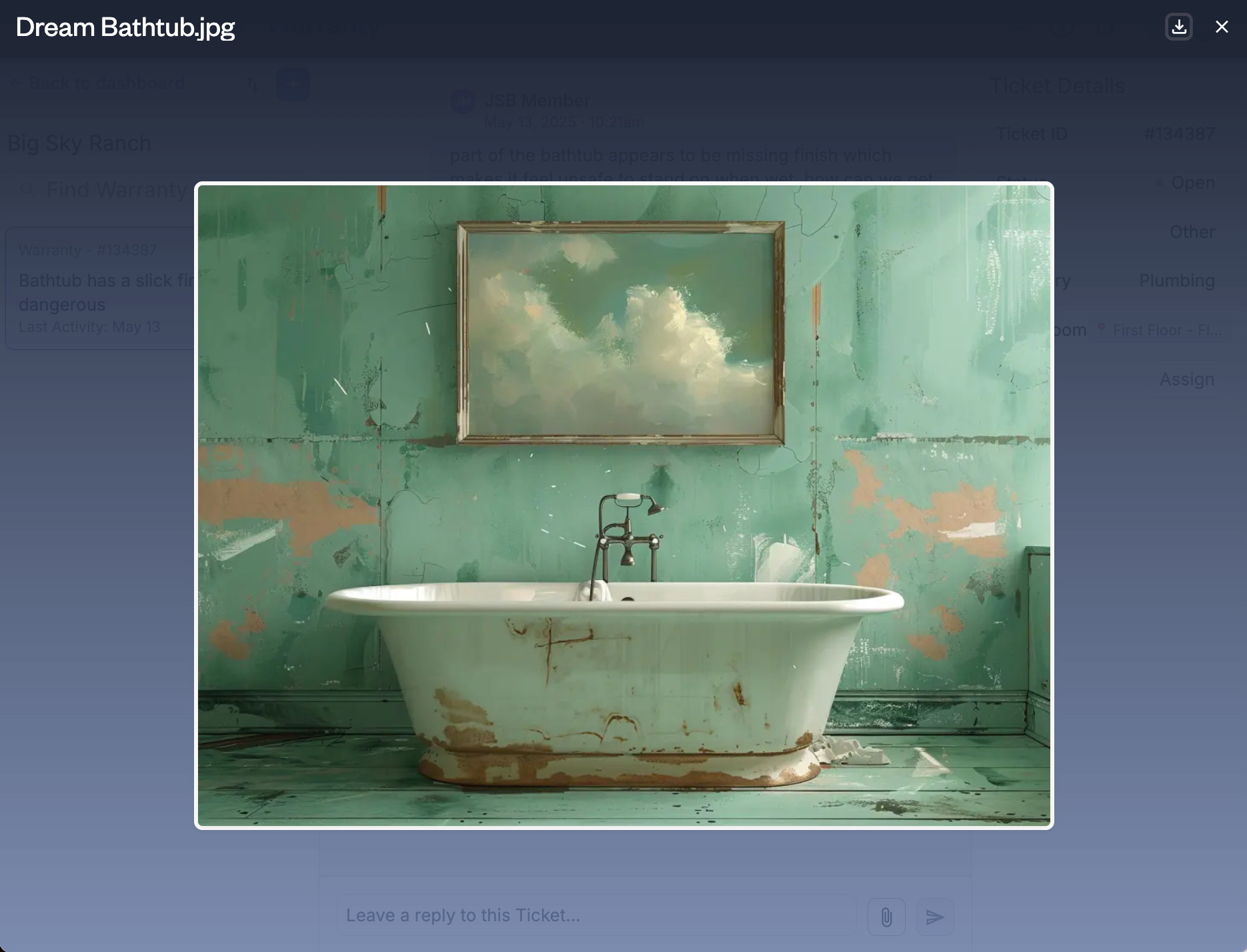
You can request additional info, post updates, and communicate directly in the ticket thread. Threads are styled like familiar chat conversations — intuitive and easy to follow.
Important Notes
Warranty tickets may be considered part of the project’s communication record. Remind your team not to include anything they wouldn’t want a homeowner to read.
For the initial release, attachment deletion is not available. Attachments are part of the ticket history, and removing them may result in an incomplete or inaccurate record of how the issue was handled.