Digs Floor Plan Processing Explained
How does the Digs AI handle the Floor plan details and why does it sometimes have a delay for new projects?
Written By JSB (Jason Brown)
Last updated About 1 year ago
Digs’ floor plan processing is designed to give users quick and accurate room identification, helping them navigate and work with their plans efficiently. This process happens in multiple steps, following a first-come, first-served approach. While most floor plans are processed quickly, there may be a small backlog at times due to demand.
The Multi-Step Processing Approach
Digs’ system processes floor plans in three key stages, each refining the accuracy and usability of the blueprint.
Step 1: Basic Identification (Quick Processing)
In this initial step, AI quickly scans the blueprint to detect general room locations. This step prioritizes speed over precision, so rooms may not be separated with high accuracy yet.
If a Floor plan is on the simpler side, we may skip this step and go straight to Step 2.
Timing: All floor plans are first come first serve. Step 1 can take between 30 seconds and an hour, but the goals is to unlock your Navigation ASAP
•Example: The kitchen, dining, and living room may appear as a single room instead of distinct spaces. In Digs, this is represented as a “Hotspot”—a general highlight over the approximate room area when hovered over.
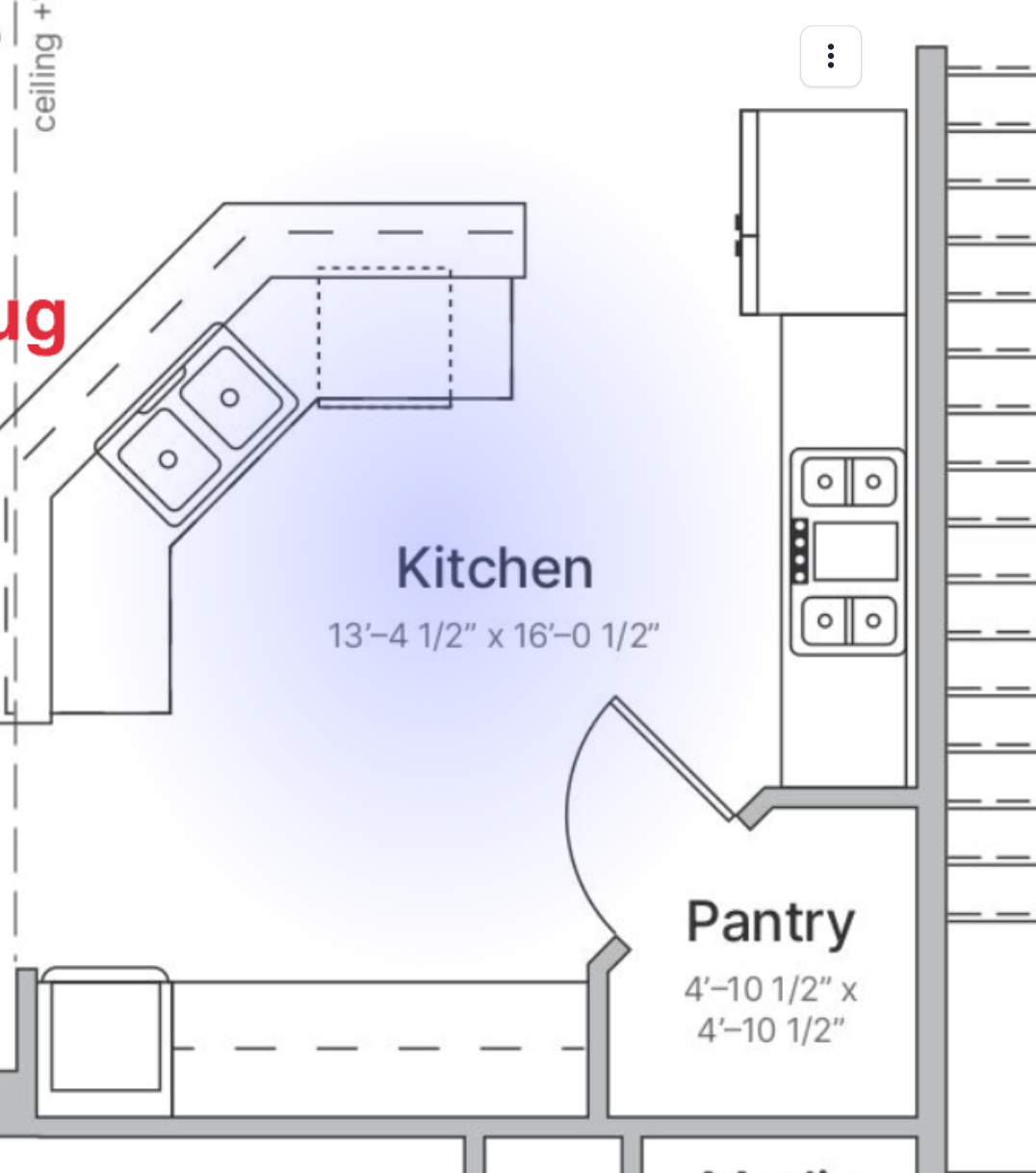
💡 Why? This provides users with a fast, functional starting point while more detailed processing continues in the background.
---
Step 2: Precision Room Boundaries (Detailed Processing)
AI then refines the initial detection by identifying exact room boundaries and estimating spatial elements like walls. At this stage, rooms are distinctly recognized wall to wall, rather than as a general Hotspot.
Timing: This portion of the tool requires a human to validate the AI process. We want to ensure that the results are accurate.
In fall 2025, Steps 1 and 2 should become fully automated and fast as our AI has really grown since it’s inception
Users will start seeing clear separations between spaces such as kitchens, bedrooms, and hallways.
After this stage, users can rename rooms if the language is not quite right like “Logan’s room” to a less specific “Bedroom 3” or vice versa
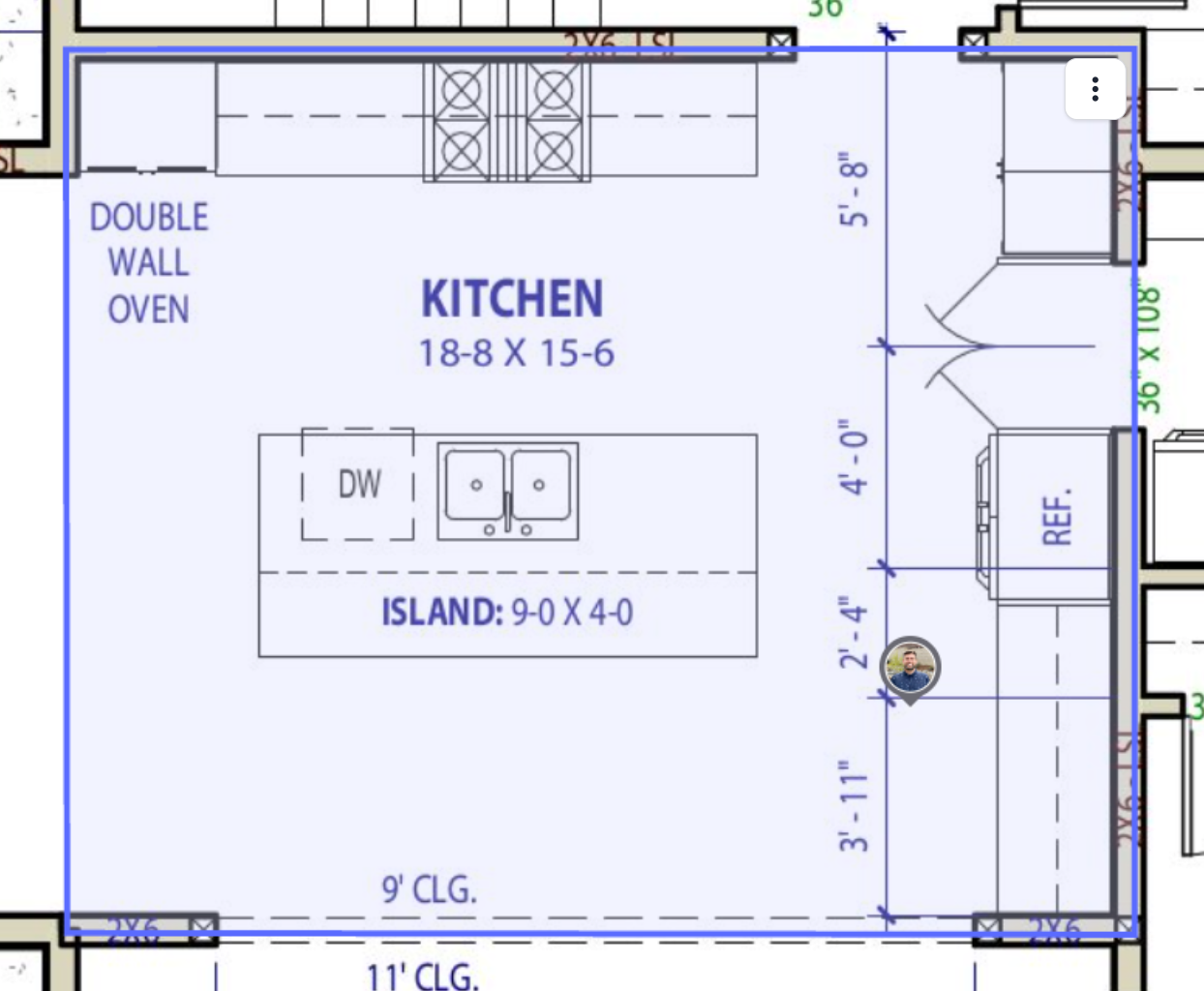
💡 Why? This step provides a much higher level of accuracy, ensuring rooms are individually identified and easier to work with.
---
Step 3: 3D Dollhouse Rendering
For Beta users only, Digs generates a 3D Dollhouse view, giving a more immersive visualization of the space. AI processes walls, objects, and room layouts to create a three-dimensional view.
Timing: This portion of the Processing can take between 3 hours and 24. It does require a human to validate the results, and is potentially impacted by holidays and business hours, though we have staff who is monitoring to keep things moving where possible.
This will also eventually be fully automated, but requires more training.
• Example: The system can identify specific objects, such as a refrigerator in the kitchen.
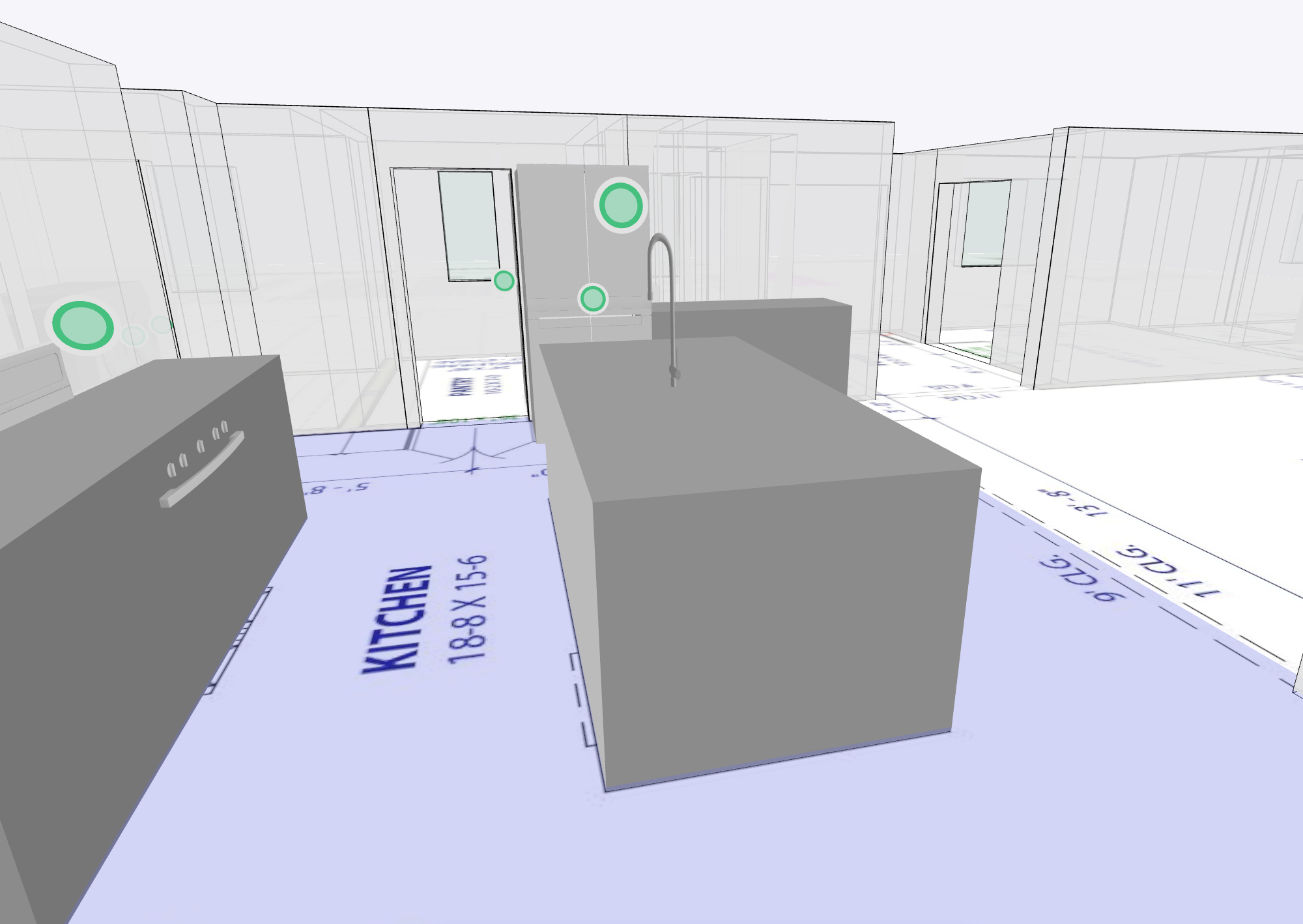
💡 Why? This advanced step enhances the visualization of the home, allowing for better planning and coordination.
---
Is This Process Fully AI-Driven?
🚫 No, it is a Hybrid Approach.
Digs uses a hybrid AI + human approach to ensure the highest accuracy. AI does as much as possible, but human reviewers fact-check and refine the results to improve precision. This training process helps the system become faster and more reliable over time, continually improving how Digs understands floor plans.