Framing Up Some Big News: July and August Recap
We closed out summer with a big one. Here's everything that shipped in July and August.
Digs is Partnering with Builders FirstSource
Builders FirstSource led our $25.3M Series A and signed a five-year commercial agreement to bring AI-powered workflows to homebuilding at scale.
Together we're turning thousands of disconnected construction documents into one connected source of truth: plans, specs, selections, approvals, warranties, and project history in one place. For the 140,000+ builders BFS serves, that means faster decisions, less rework, and a better experience for every homeowner. Read more
Limited Collaborators: More Control Over Private Conversations and Tasks
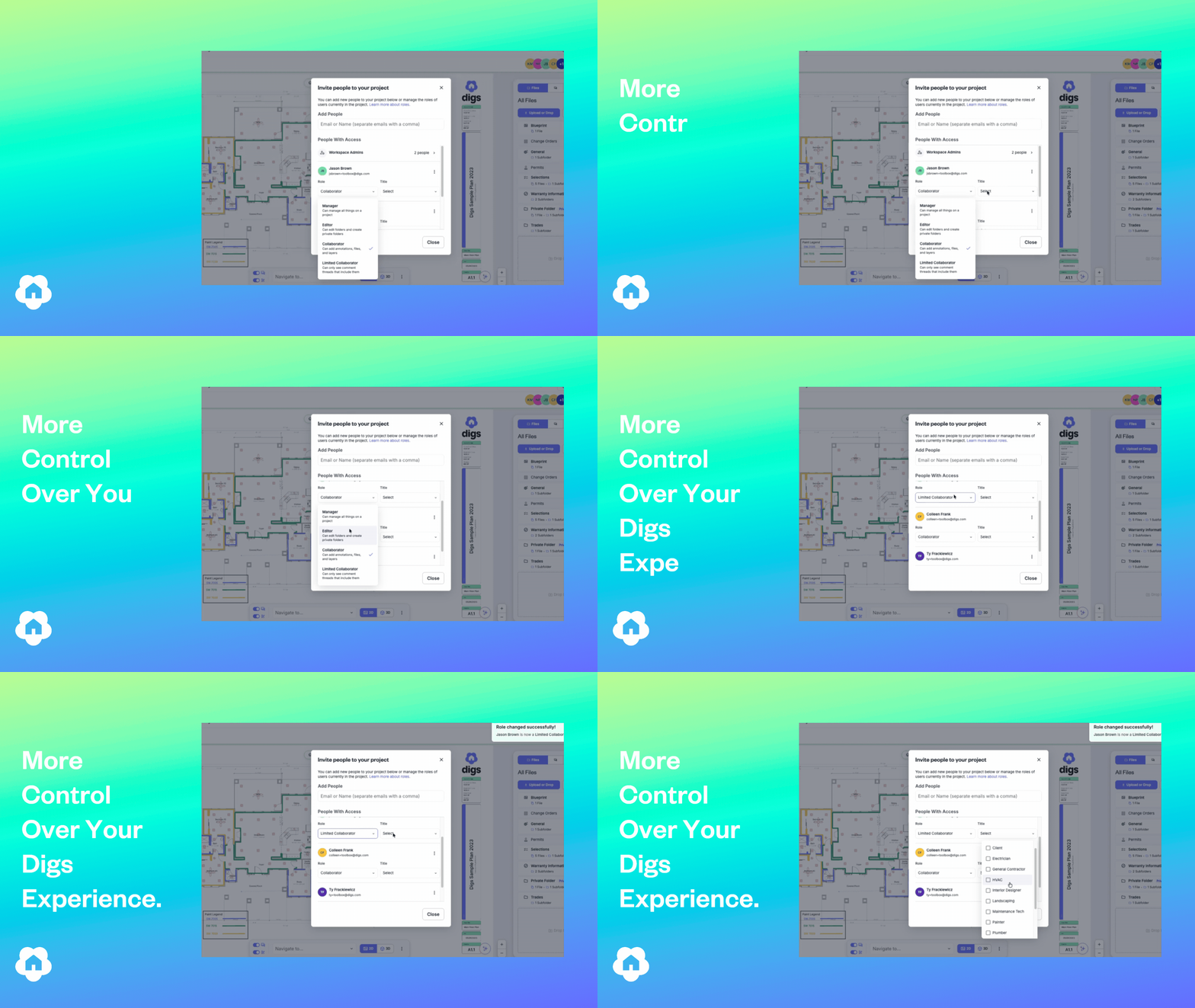
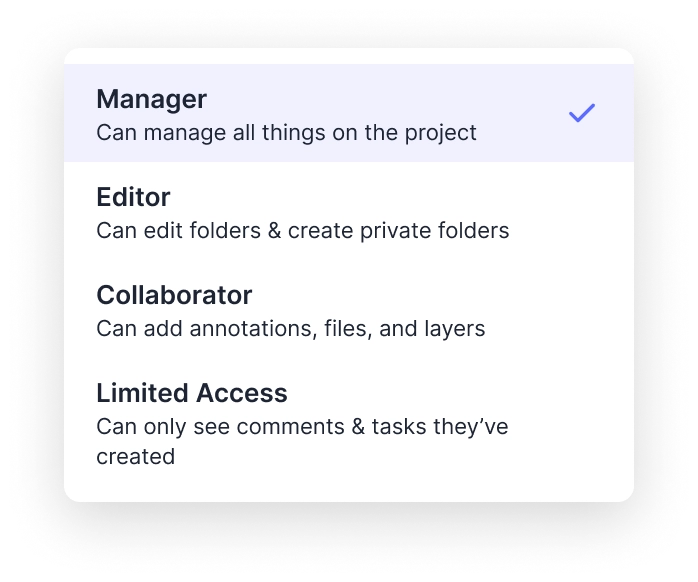
Not everyone on a project needs every notification. The new Limited Access role lets builders and project managers add someone to a project without opening them up to being @mentioned into everything. They're there when you need them, quiet when you don't.
Look for it: Choose Limited Collaborator as a role when managing users on a project. Full details in our support documentation.
Homeowner Handoffs: Invite Additional Users
A home rarely runs on one inbox. Until now, only whoever got named Homeowner at handoff had access, and that list was locked. Now homeowners can add more Managers. The moment someone gets the role, they get full access to the Homeowner Dashboard and DigsCare, so they can file requests and check coverage without waiting on you. Pull the role and the access leaves with it.
Look for it: In project settings, mark users as Project Managers to give them Homeowner functions.
User Titles: See Who’s on a Project
Project rosters shift, and it's not always obvious who's the builder and who's the electrician. Now every project user can carry a title that shows right next to their name. Fourteen options are available, from Builder to Vendor, and none is applied by default.
Look for it: Titles show next to names anywhere a project's user list appears.
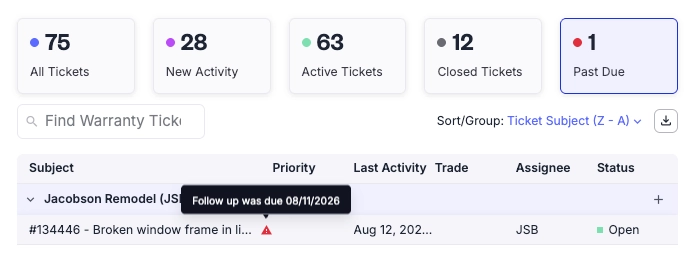
DigsCare and Warranty Improvements
Follow-Up dates on tickets. Set a follow-up date on any ticket to mark the deadline for the next action. Customers never see it. Your warranty team gets alerted when something's due and can filter to just the tickets waiting on action. It also lands in the Dashboard report spreadsheet, ready for meetings.
Automatic project access for Warranty Agents. Agents used to see tickets across projects but couldn't create a new ticket or open project documents without an invite. Fixed. Agents are now auto-included in every handed-off and warranty-eligible project.
"Group by" now carries to exports. Group your Warranty Dashboard tickets by project and that grouping shows up in the exported document. You asked, we did it.
Base Layer Can Now Be Turned Off
When we shipped Base Layer as visible instead of hidden, most of the feedback was good, and plenty of you said we didn't go far enough. The top request was to turn Base Layer off completely, so any document or floor plan can start as a clean slate. That's live.
One note: if you add annotations while no layer is active, Base Layer turns back on automatically.
Introducing Digs Toolbox in Our Refreshed Support Center
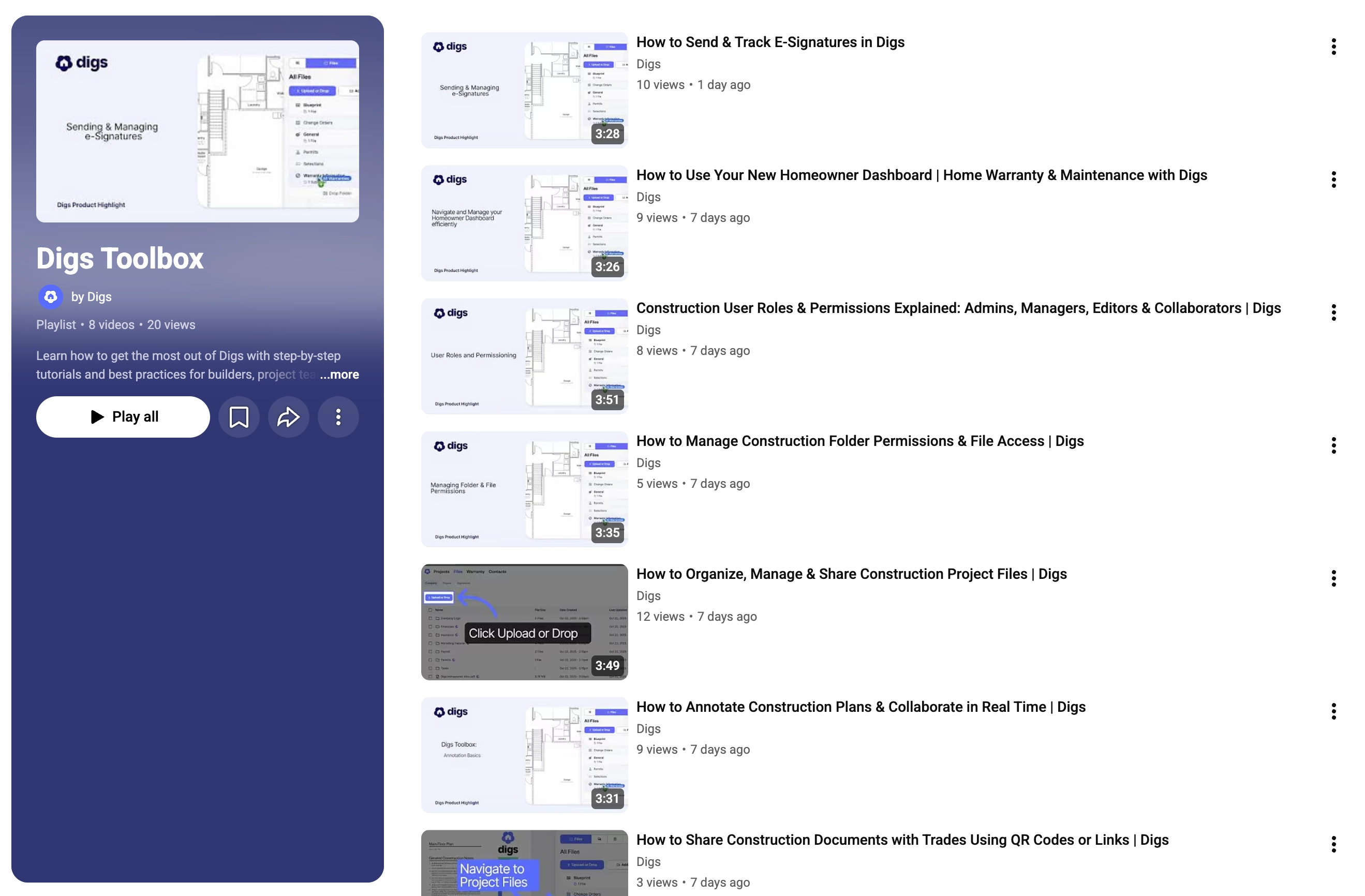
We reorganized the Digs Help Center so answers are grouped by what you're actually doing. We also launched the Digs Toolbox, a growing library of video tutorials covering the whole product. Find them in the Help Center or on our YouTube channel. Head to support.digs.com to take a look.
Small, but Mighty Updates
Print button on Share Links. A Print button now sits next to Download in the Share Links document view, for a quick offline copy of the source file.
Logos on QR Codes. Upload a square logo in Workspace Settings and it'll show up on your QR codes automatically. Existing codes keep working, and anything shared digitally picks up the logo once the upload finishes.
Scrollable Warranty Tickets Sidebar. The sidebar now scrolls, so a long list of attachments and suggested documents never gets squeezed into a tiny space.
Bug Fix. Date pickers in Warranty, Tasks, and other areas could sometimes accept malformed years and throw errors. Resolved.
Pro Tip: keyboard shortcuts
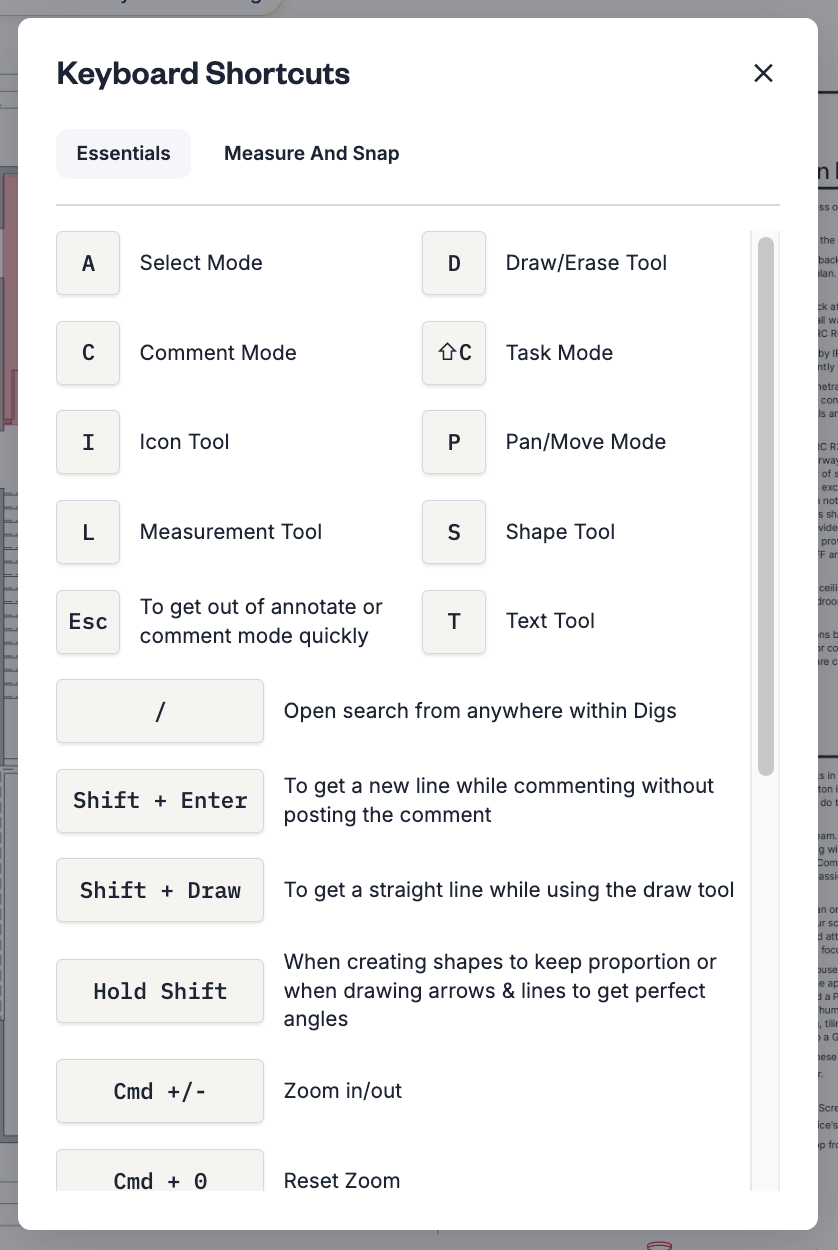
Hit Shift + / to pull up the full list of shortcuts in Digs. They make navigating and editing a lot faster once they're in muscle memory.