Where Can I See the Status of My Referred Users?
Written By JSB (Jason Brown)
Last updated 12 months ago
If you’ve shared your Digs referral link far and wide, you might be wondering how to track what’s happening behind the scenes. The good news is that you can check in anytime.
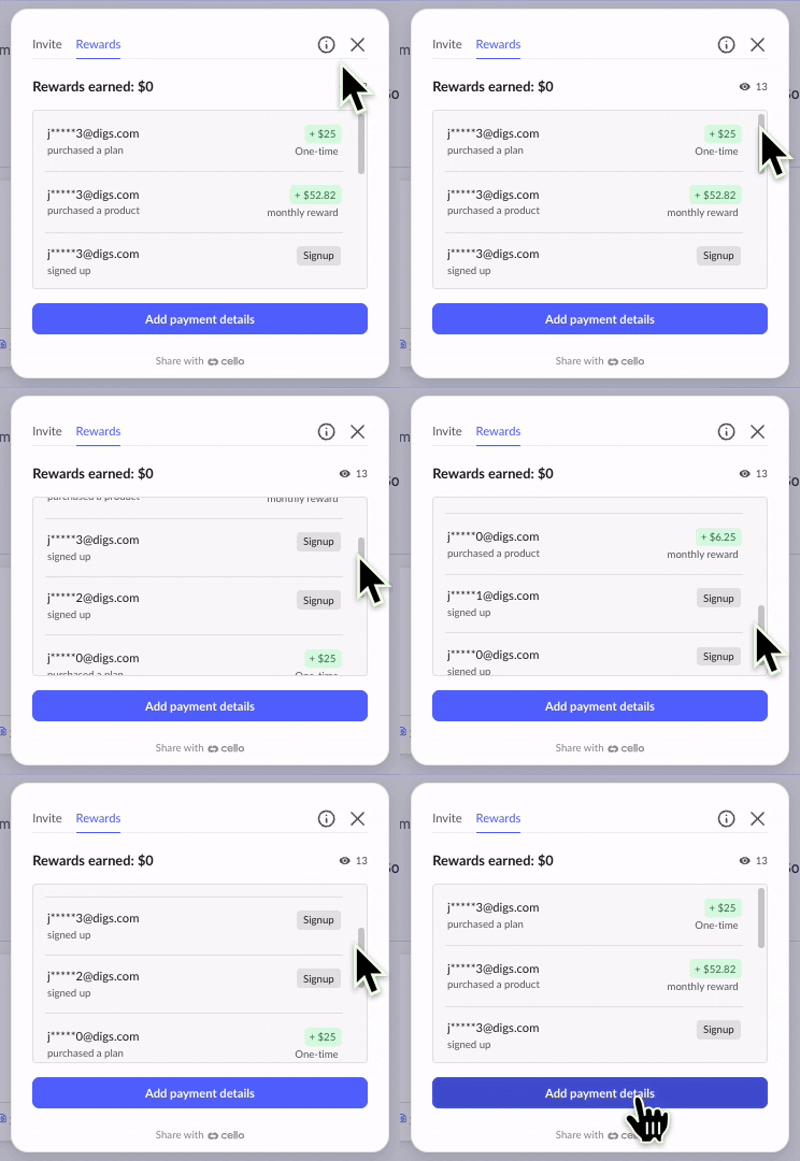
To view referral activity, open the Package icon in the top right corner of Digs, then click into the Rewards tab. This will take you into the Cello dashboard, where you’ll find:
The number of unique visitors who have clicked your link
Whether someone has signed up for a Digs account
If that account has converted to a paid Pro subscription
What your earnings are based on those referrals
In many cases, referrals will begin with a 14 day free trial. This means there might be a little time between someone signing up and your next reward update, which is completely normal. It is helpful to remember that not every sign up will convert to a paid customer.
Keep sharing your link, and keep an eye on those updates. Every new company is a potential win for both of you.